


Discover the system requirements and learn how to quickly set up PECPool monitoring software to track your miners’ performance and stay informed.
The management and monitoring console for retrieving information from mining devices has a Windows-based service that requires implementation on a computer with at least the following specifications:
1. First, download the latest version of the monitoring program.
2. After downloading, run the Setup file. (Make sure your system is connected to the internet for the installation.)
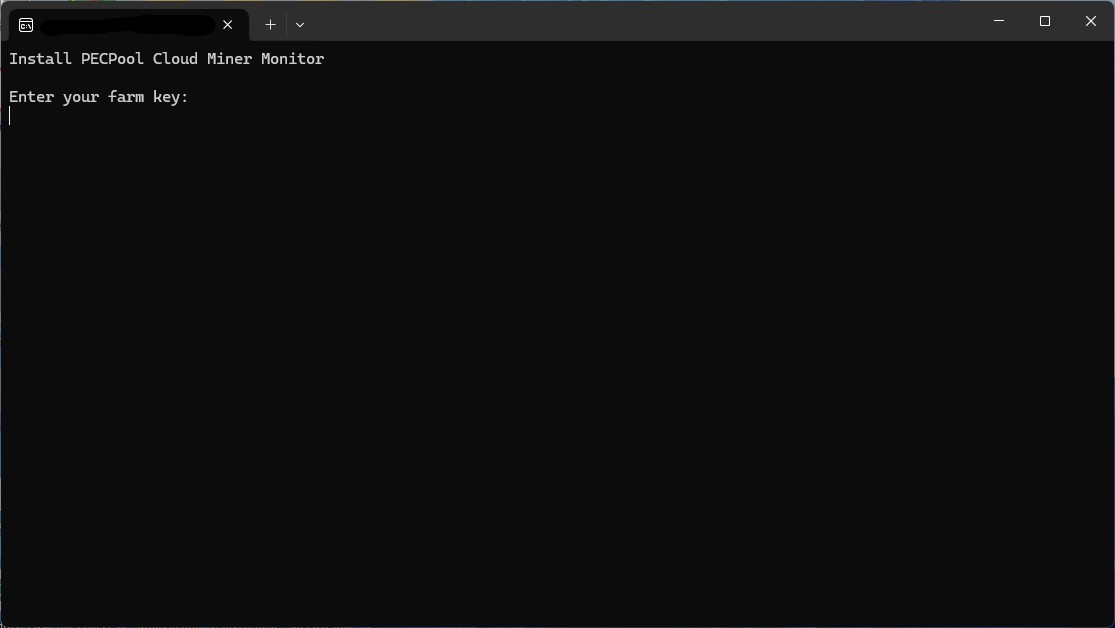
3. As shown in the image below, you will be prompted to enter a key. You can obtain the key and secret from the profile menu of the panel, enter them in the appropriate fields, and press Enter.
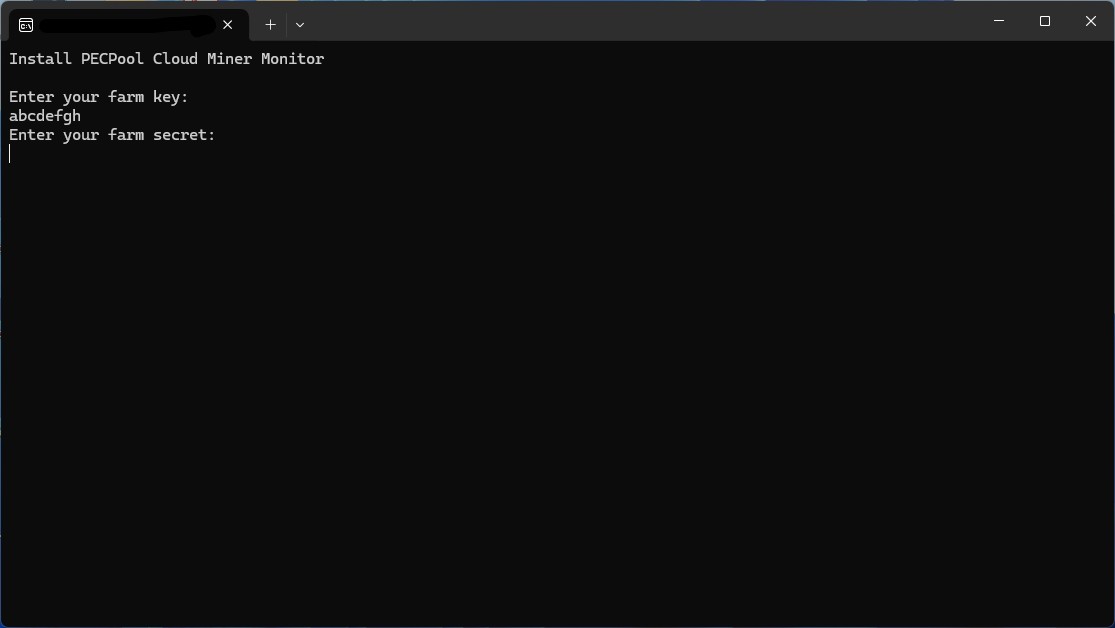
4. Enter the secret from the profile menu and press Enter.
5. Wait for the installation to complete.
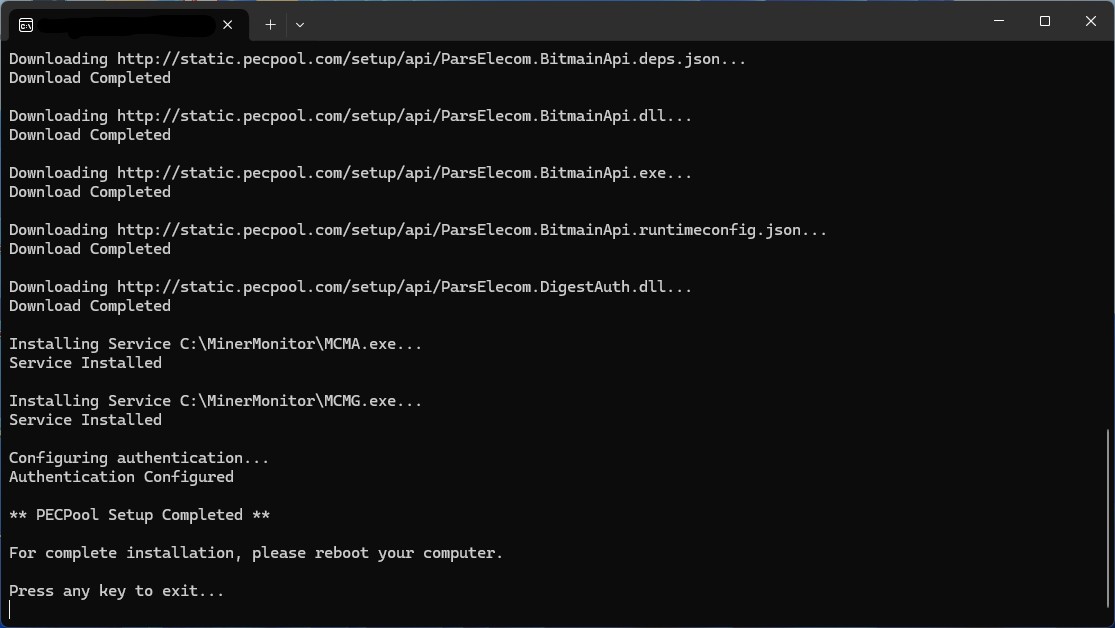
6. Now you can press any key to exit the program. Additionally, to complete the installation, make sure to restart your system.


Copyright ©2026 PECPool.