

How to use the panel

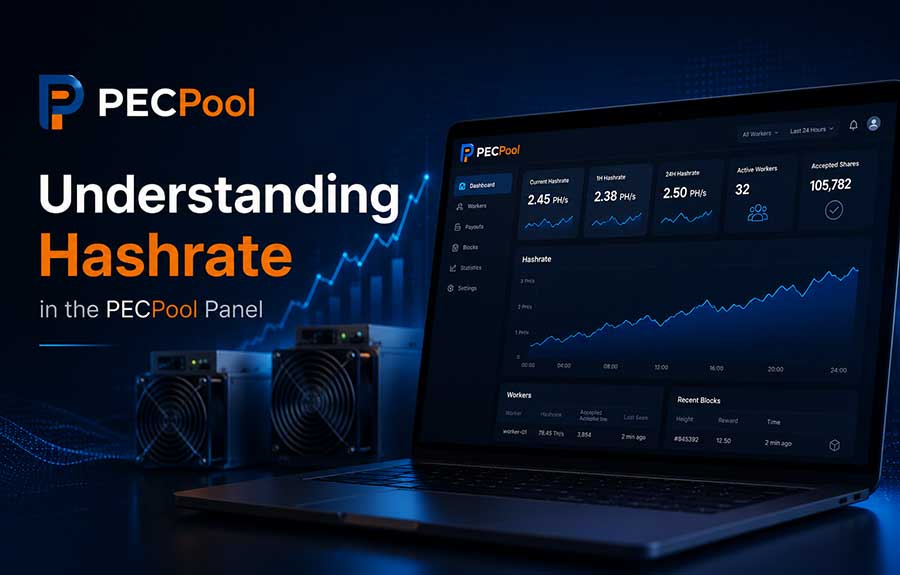
Learn how to navigate and use the mining management panel to monitor performance, track earnings, and configure your miners effectively.

How to install monitoring

Discover the system requirements and learn how to quickly set up PECPool monitoring software to track your miners’ performance and stay informed.

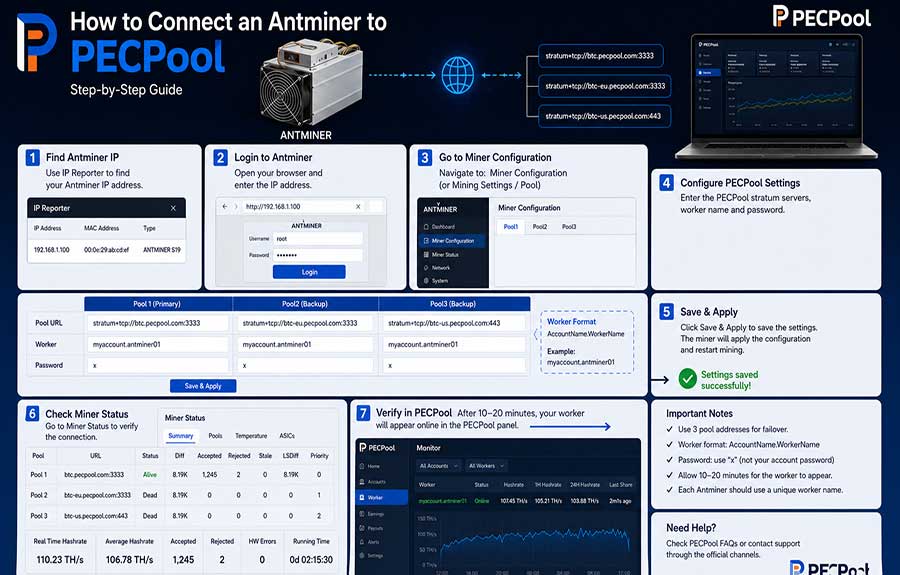
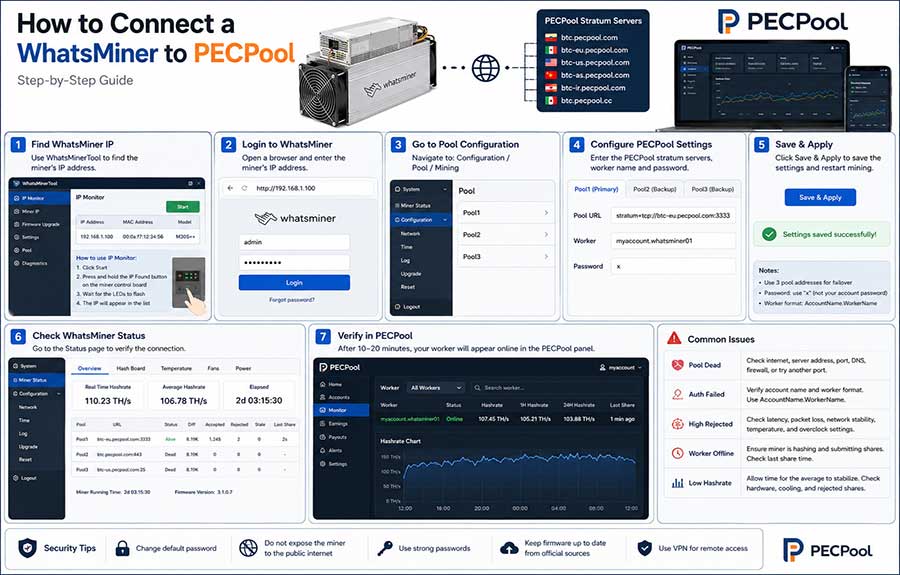
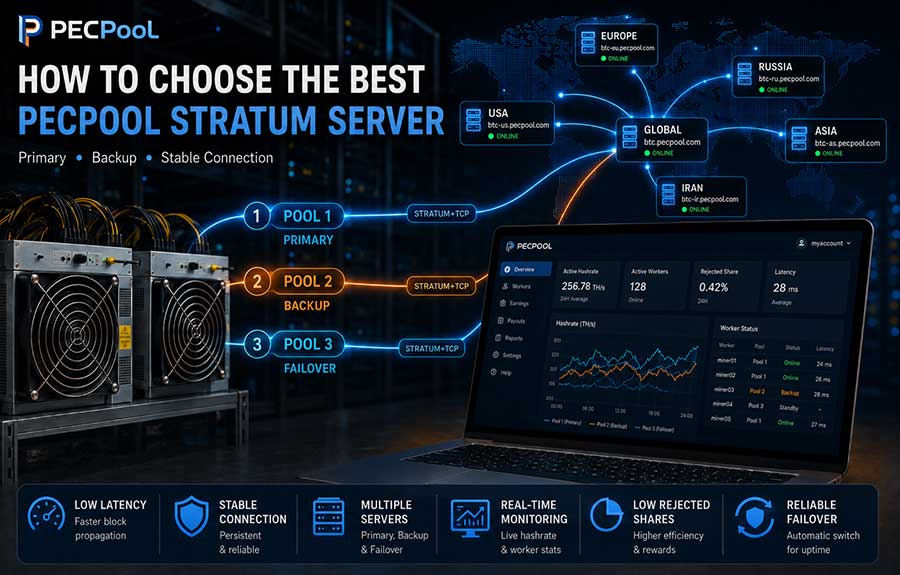
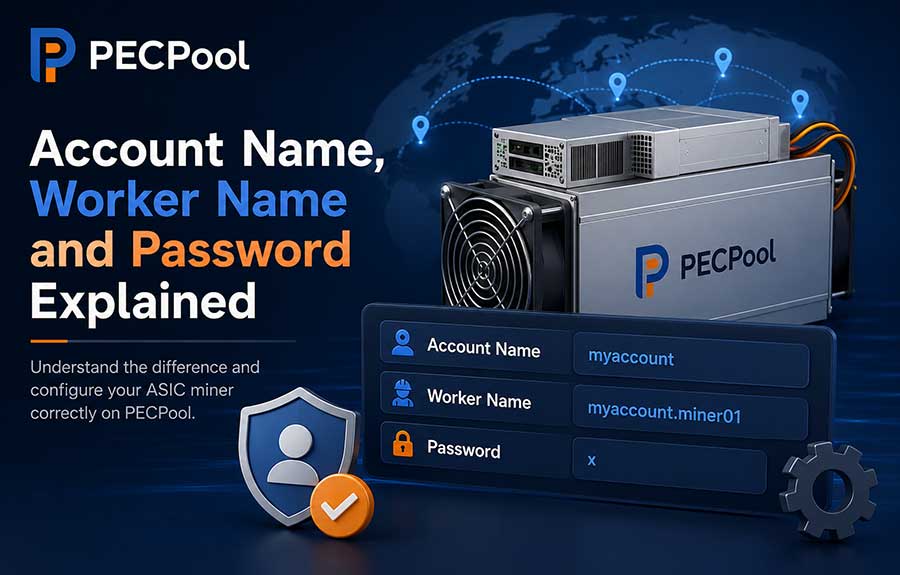
How to config miners

Learn how to configure miners for seamless panel access. You're having direct access to your miners through a centralized panel.

How to use the new panel

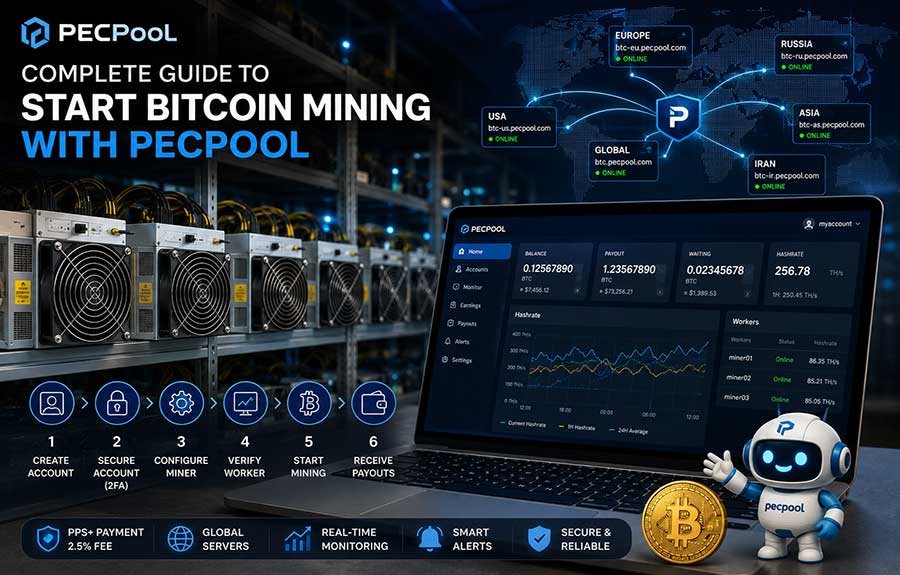
The new PECpool panel is designed to be faster, cleaner, and easier to navigate. This guide explains the key parts of the interface based on the numbered labels (1–6) shown on the dashboard.

How to set or change your two-factor authentication (2FA) code

Two-Factor Authentication (2FA) adds an extra layer of security to your PECpool account. By enabling 2FA, you protect your account from unauthorized access even if someone knows your password.

How to Set or Change Your Wallet

This guide explains how to register a new wallet address or change your existing wallet in the PECpool mining panel. For security reasons, wallet changes require email confirmation. Follow the steps below to update your wallet safely.